Windows 11 update KB5132061 adds customizable right-click menu and RAM fixes
★ Add us as a preferred source on GoogleTL;DR
Microsoft's November 2026 security update moves Windows 11 26H2 to Build 26300.9974 and 25H2 to Build 26200.9974, introducing a redesigned context menu and performance improvements for 8GB RAM devices.
Microsoft released the November 2026 security update KB5132061, which moves Windows 11 26H2 to Build 26300.9974 and 25H2 to Build 26200.9974. The update includes all changes from the October 28 optional update KB5127936. It addresses 1,094 security vulnerabilities, 726 of which are for Windows 11. Reports say 66 of these vulnerabilities are critical. One specific Outlook vulnerability, CVE-2026-124194, is reportedly being exploited.
What's in the update
- New customizable right-click menu that opens instantly.
- 26H2 PCs with 8GB RAM can keep up to 2GB more active data in RAM.
- Start, Search, right-click, Settings, and File Explorer respond up to 20% faster.
- Widgets loads only when opened, saving about 200MB on 8GB or less PCs.
- Edge opens faster.
- Taskbar app window previews now animate more smoothly.
- New Cloud Rebuild option for PC recovery using a Windows image.
- Taskbar remembers multi-monitor settings more reliably.
- Phone Link panel in Start allows hovering to preview messages and notifications.
- Known issue: Windows 11 still loses Android phones after sleep on some PCs.
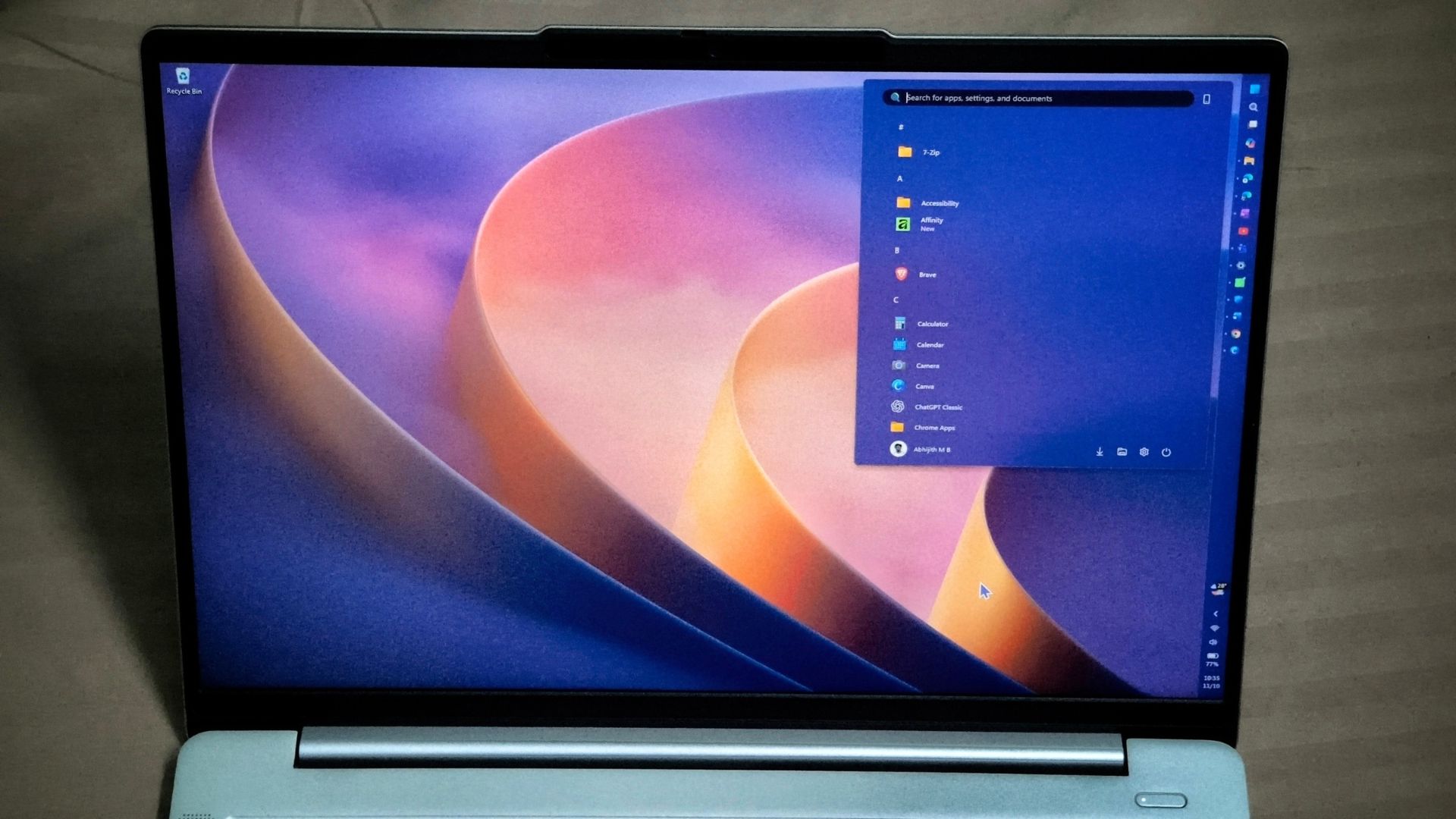
The update introduces a redesigned context menu that loads more quickly. While previous versions often felt cluttered, the new default menu shows eight items. App extensions now load only when a user opens their specific submenu. Users can customize which functions appear in the menu through Settings under Personalization.
Microsoft says Start, Search, right-click, Settings, and File Explorer are up to 20% faster than the January 2026 builds. On PCs with 8GB of RAM or less, Windows can keep up to 2GB more active data in RAM. Microsoft also says Widgets now save about 200MB of memory on these 8GB or lower systems. A new Cloud Rebuild option is also included, which uses a Windows image and fetches drivers through Windows Update.
Windows 11 24H2 Home and Pro reached the end of updates on October 13. 24H2 Enterprise and Education will receive security fixes until October 12, 2027, but they will not receive these new features. Windows 11 23H2 Enterprise and Education also reached its end of updates with this release.
Via Bleeping Computer ↗, Dr. Windows ↗ · Also from Windows Latest ↗, ComputerBase ↗ · Other coverage: Wccftech ↗
Spot a mistake? Tell us