Windows 11 adds checkbox to permanently disable Sticky Keys prompts
★ Add us as a preferred source on GoogleTL;DR
Microsoft is adding a checkbox to the Sticky Keys and Filter Keys dialogs to stop the popups from appearing again, according to Jen Gentleman from the Windows engineering team. The change is available in Windows 11 Experimental Build 26340.9882 and Beta Build 26320.9876.
Microsoft is adding a checkbox to the Sticky Keys and Filter Keys dialogs so users can choose not to be asked again when these prompts appear, according to Jen Gentleman from the Windows engineering team. The change is included in Windows 11 version 26H2 via Build 26340.9882 (Experimental) and Build 26320.9876 (Beta), both released on November 6. Because the feature is part of a controlled rollout in the Experimental branch, it may not be visible to everyone yet.

The prompt typically appears after a user presses the Shift key five times in rapid succession. While the checkbox allows users to dismiss the notification permanently from the dialog itself, the Sticky Keys feature remains available through Settings > Accessibility > Keyboard. The dialog still uses the legacy Win32 design. Marcus Ash, Microsoft’s CVP of Design and Research for Windows and Devices, stated that older interface elements are being updated.
Via Windows Latest ↗ · Also from VGTimes ↗
Spot a mistake? Tell usEarlier coverage

Quick read
A substantial 2027 update for the operating system could overhaul core system elements and introduce fresh background artwork.
Quick read
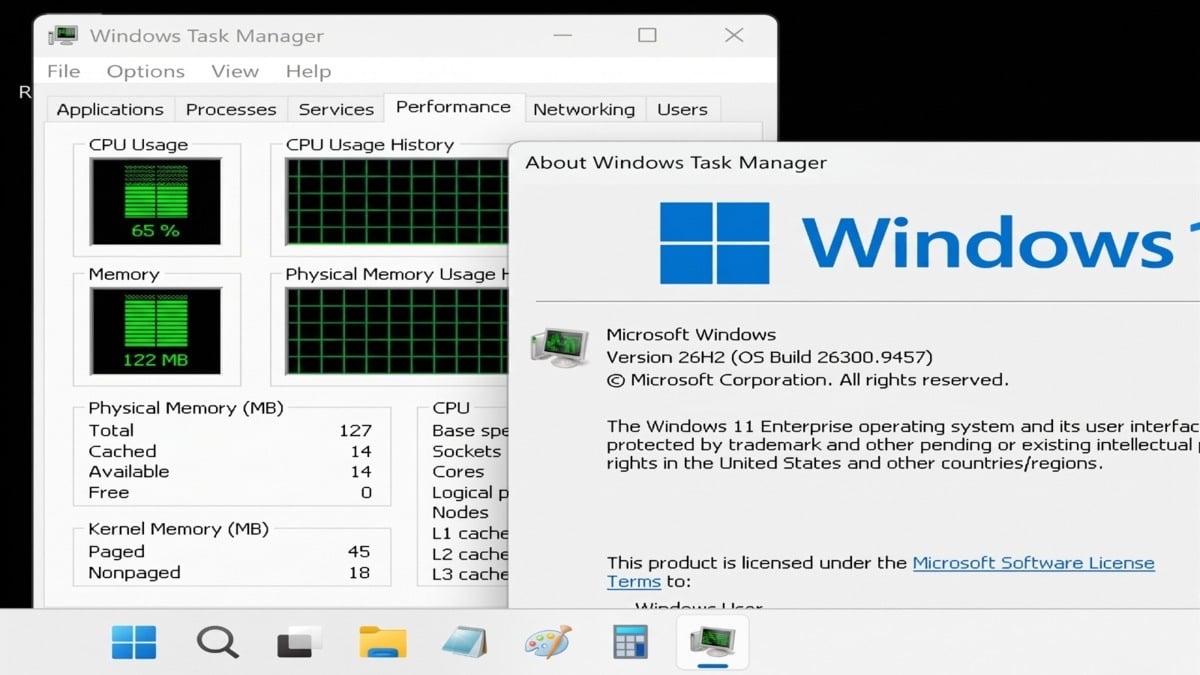
NTDEV demonstrated Windows 11 26H2 running in a virtual machine using 128 MB of RAM, which is 3.125% of the 4 GB minimum requirement from Microsoft.
Quick read
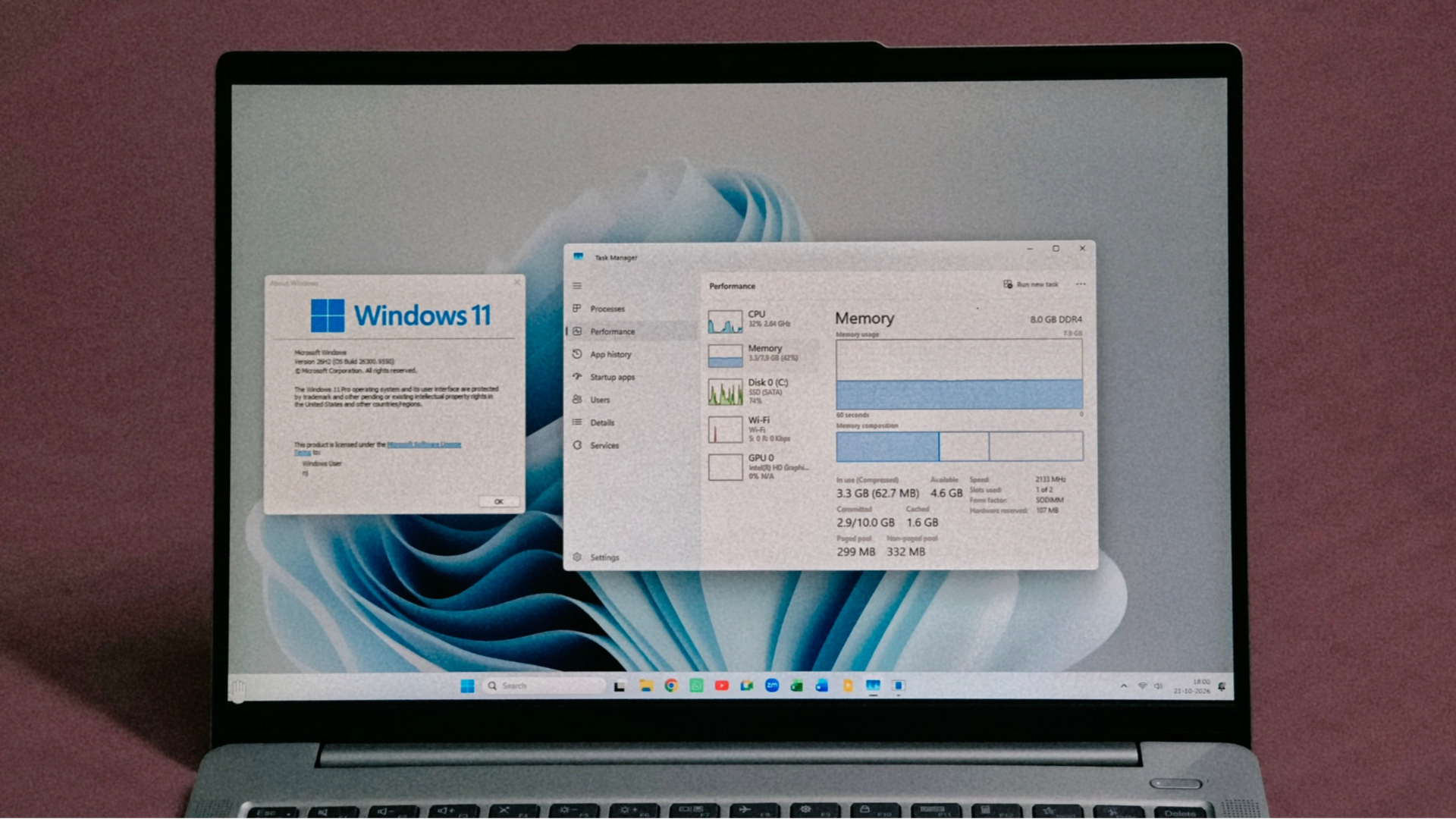
Microsoft says Windows 11 version 26H2 improves memory handling on 8GB RAM PCs to keep up to 2GB more data active. Reports also note that high memory pricing continues to impact broader hardware sales.

Quick read
Microsoft stopped releasing patches for Windows 11 24H2 Home and Pro variants on October 13.