Windows 11 KB5127936 update adds customizable right-click menu
TL;DR
Microsoft is rolling out a redesigned Windows 11 right-click menu in the KB5127936 optional preview update, allowing users to customize which app extensions appear.
Microsoft published the optional preview update KB5127936 on October 28 for builds 26200.9818 and 26300.9818 of Windows 11. The package brings a redesigned context menu that works faster and minimizes clutter. Users can now choose which commands and app extensions appear in the main menu through a new section under Settings > Personalization > Context menu. Microsoft also notes that users can still access the legacy Windows 10-style menu by holding Shift while right-clicking.
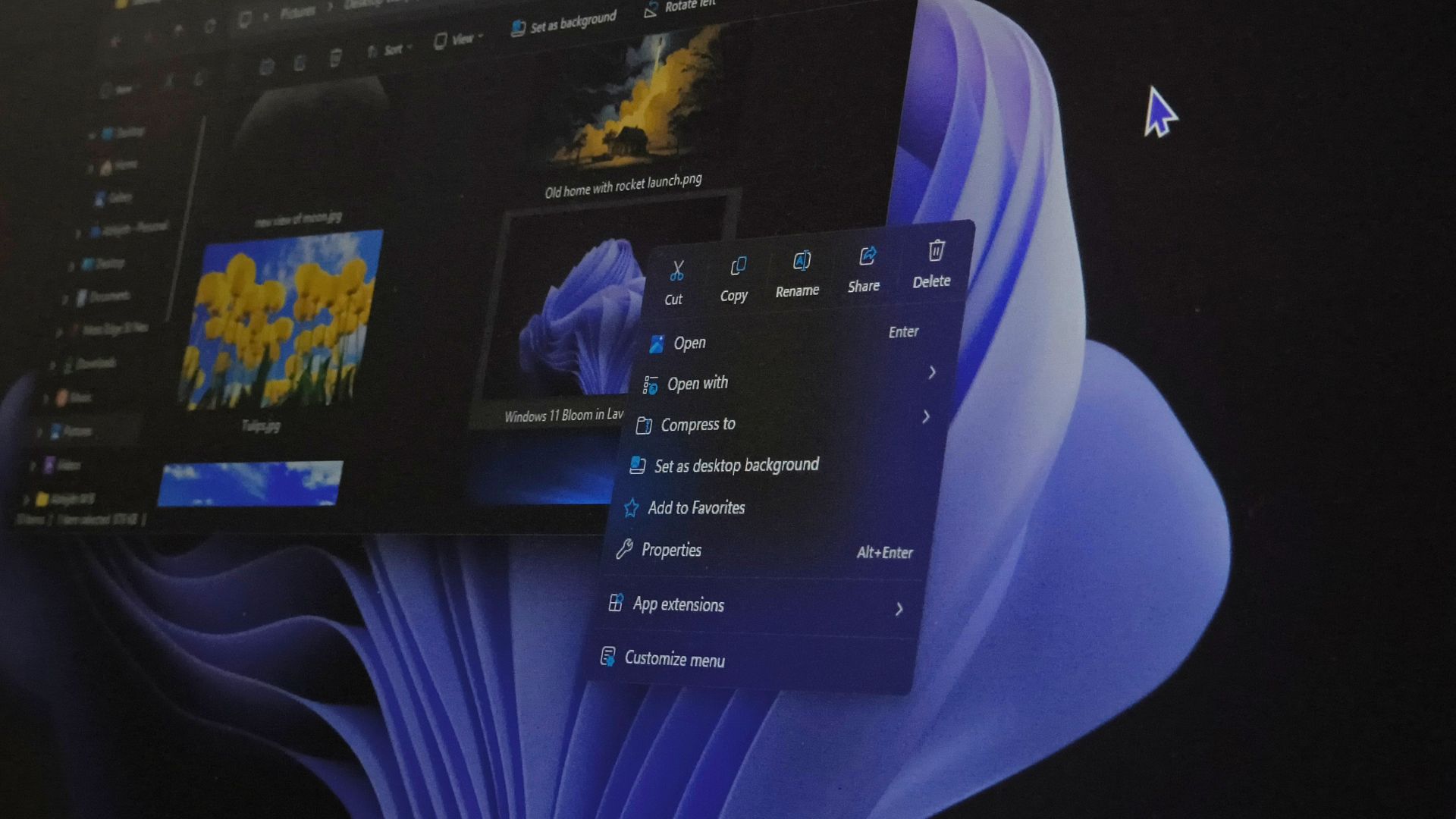
Because Microsoft is rolling this feature out gradually, installing the update may not enable the new menu immediately. The update also introduces a Cloud Rebuild option that uses a Windows image and downloads drivers via Windows Update. Other changes include Dark Mode support for folder options, grouped privacy settings for camera and location, and a uniform layout for file information in search results. Microsoft is also automatically enabling memory integrity (HVCI) for users who have not manually disabled it, a security feature that can impact gaming performance. This update also fixes bugs related to Smart App Control, Remote Desktop, and audio output on some AMD graphics cards.
Via Microsoft ↗ · Also from Windows Latest ↗, ComputerBase ↗ · Other coverage: Windows Central ↗, PCWorld ↗
Spot a mistake? Tell usEarlier coverage
Quick read
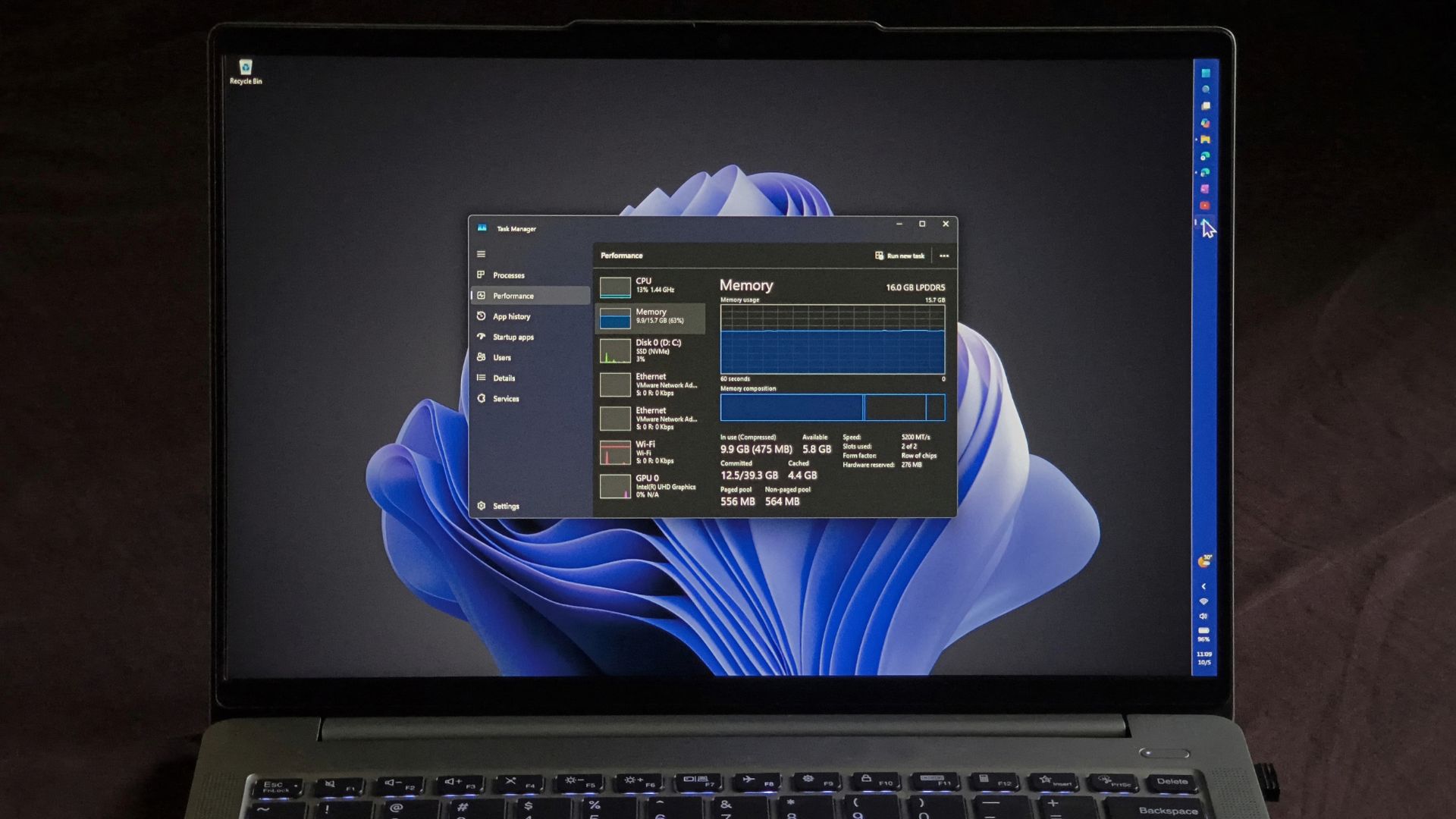
Microsoft is testing an "Advanced Performance Extensions" toggle in Windows 11 preview builds that requires specific new hardware to work.
Quick read
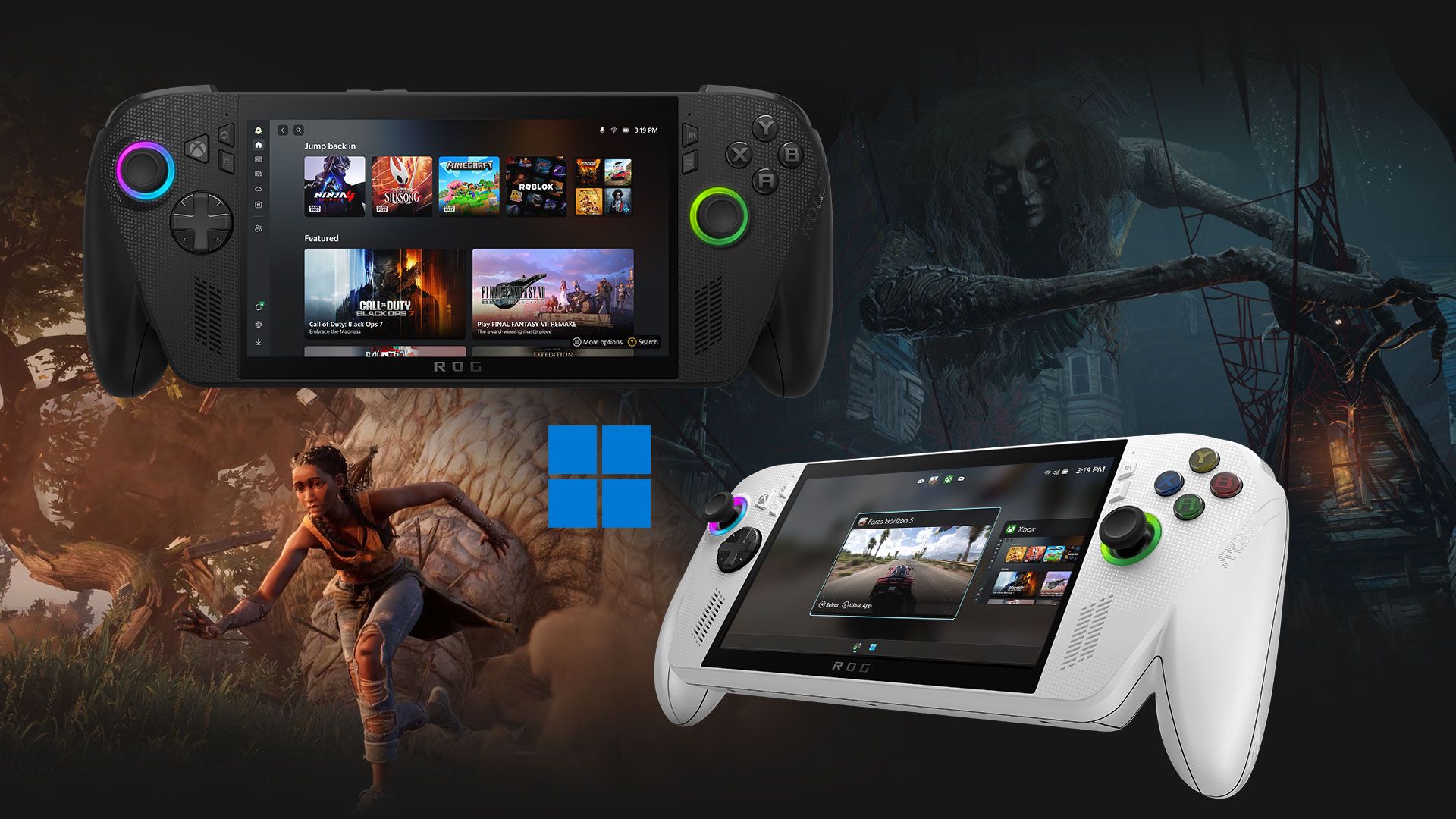
Microsoft is testing a new Gaming Task View for Xbox mode that adds controller-accessible power options and a new Battery Status widget for Windows 11 Insiders.
Quick read
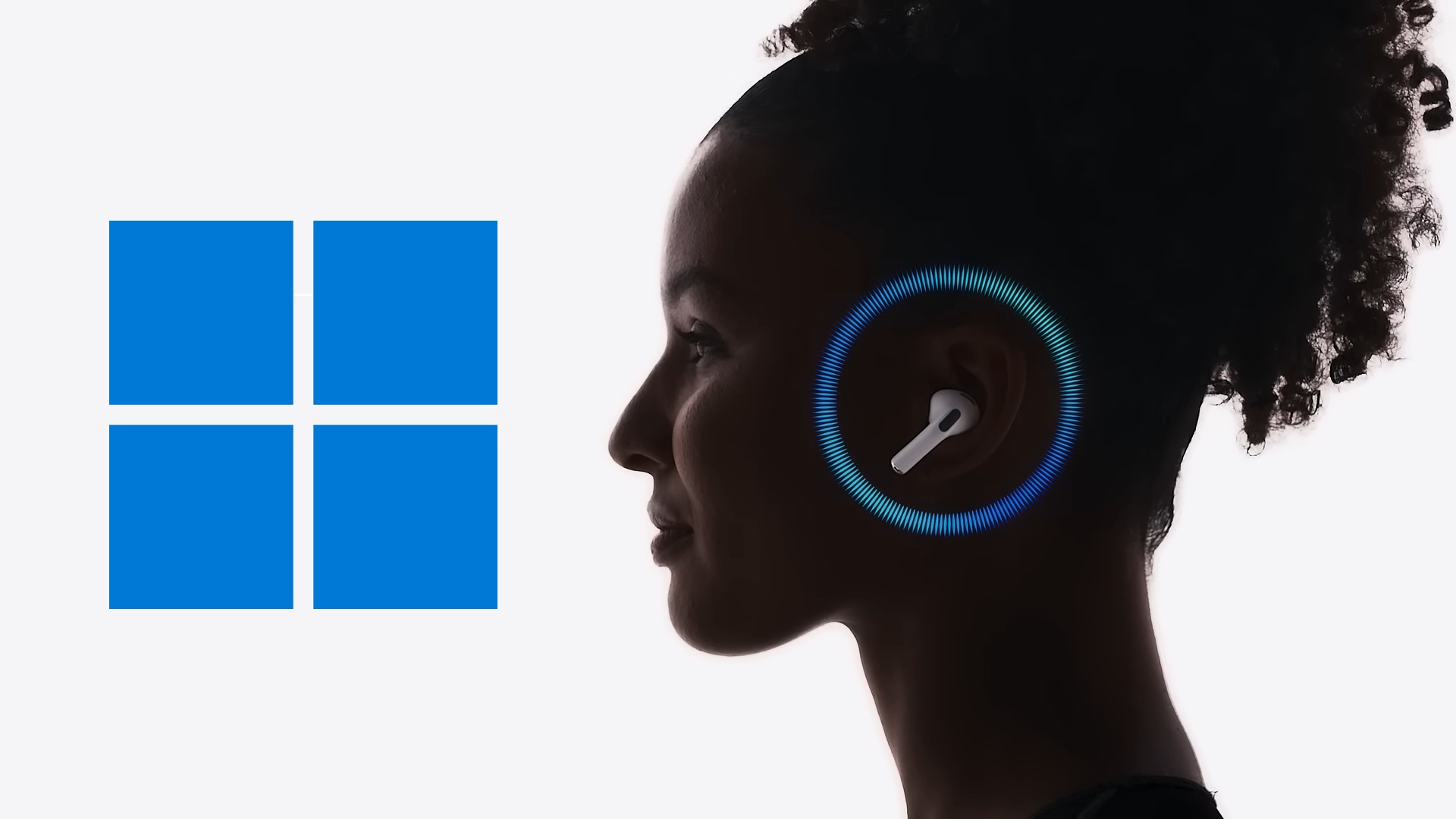
Microsoft says the Windows 11 October 2026 Update includes Bluetooth improvements that allow AirPods to pair up to 15 seconds faster.

Quick read
Microsoft claims new Windows 11 updates will improve responsiveness by up to 20% on systems with 8 GB of RAM or less.