SteamOS 0.5.8 beta adds Room View and mixed reality blending for Steam Frame
★ Add us as a preferred source on GoogleTL;DR
Valve's SteamOS 0.5.8 beta allows Steam Frame users to see remote desktop and game theater content while using camera passthrough, and enables OpenXR mixed reality blending for supported PC VR games.
Valve released the SteamOS 0.5.8 beta on November 6, which introduces Room View functionality for Steam Frame. This update keeps streamed PC content visible on screen while camera passthrough is active. Previously, activating Room View hid all content coming from the PC.

PC VR games that support OpenXR mixed reality can also blend virtual content with the camera passthrough feed. Valve names X-Plane 12 as an example of a title that can use this feature. Developers can now use an OpenXR alpha blend environment mode to let games decide which parts of the image show the real room. Because the built-in passthrough uses outward-facing cameras and infrared illuminators, the blended view uses a monochrome room. Color passthrough requires the Arcturus Vision Camera add-on.
To use these features, users must opt into the beta channel on the headset and run the SteamVR 2.19.2 beta on their PC. This SteamVR update fixes overlay and game-menu regressions from version 2.19.1, addresses crashes during resolution changes, and improves handling of network interruptions.
Other changes in SteamOS 0.5.8 include improved eye tracking self-calibration and fixes for gamma inconsistencies between eyes on some headsets. Valve also fixed a permission bug affecting WebXR compatibility with Chrome 157 and addressed overlay rendering issues by permanently setting overlay render quality to Low on Steam Frame.
Background This version of the operating system was designed for the Steam Frame VR headset. Our earlier story
More on Steam and ValveLinux gamingVRSteamOS
Via Twisted Voxel ↗ · Also from GamingOnLinux ↗, Digital Citizen ↗
Spot a mistake? Tell usEarlier coverage
Quick read
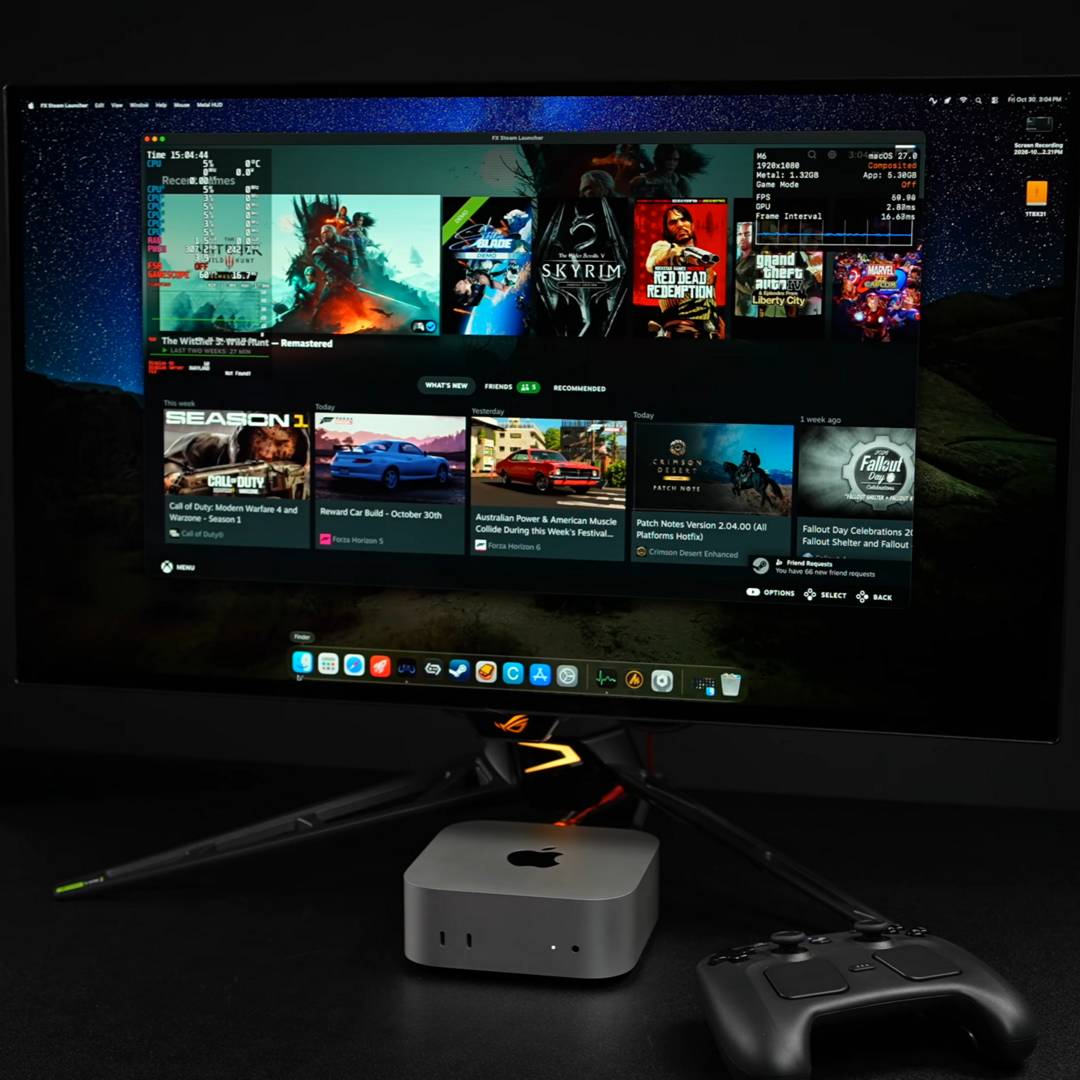
The FX Steam Launcher project uses Valve's ARM64 SteamOS to run Windows games on Apple Silicon Macs via a virtual machine.

Quick read
Valve released SteamOS 3.9.5, the first stable version in the 3.9 series, featuring an updated Linux kernel and KDE Plasma desktop environment.

Quick read
The developer says Star Trek: Infection is now compatible with Steam Frame using the Lepton emulation layer to port the Meta Quest 3 Android APK version.

Quick read
Project Hail Mary: Journey Among the Stars arrives on November 12 for Meta Quest 3/3S, PICO, and Android XR.