Microsoft engineer explains why Windows 11 Task Manager freezes
TL;DR
Microsoft engineer Raymond Chen says Task Manager and the taskbar may stop responding when a PC is CPU-starved because high priority cannot bypass resource locks.
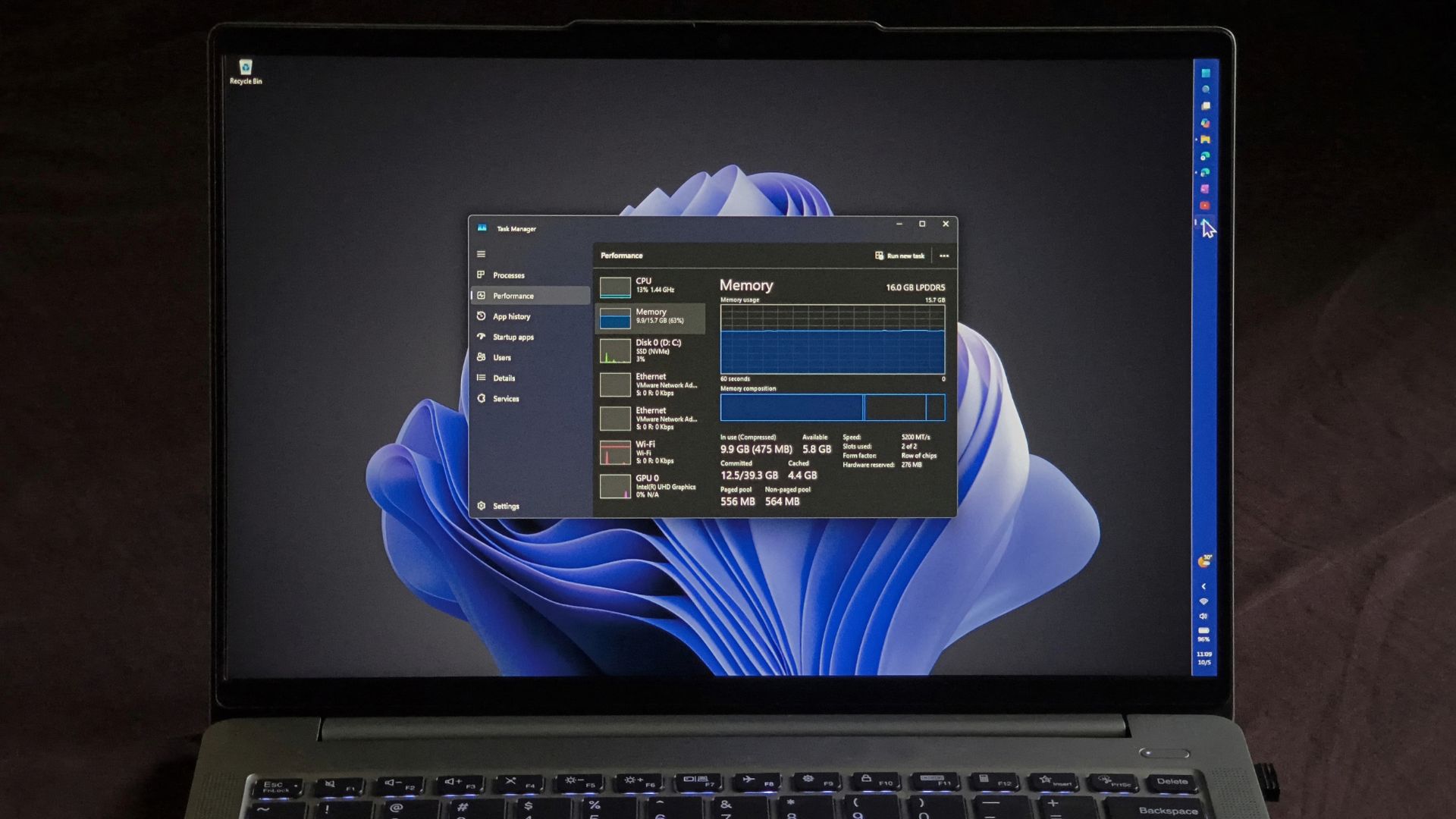
Windows 11 Task Manager and the taskbar can stop responding when a system is under heavy load, according to Microsoft engineer Raymond Chen. Chen says that when a PC is CPU-starved, every process suffers, including the tools intended to manage the system.
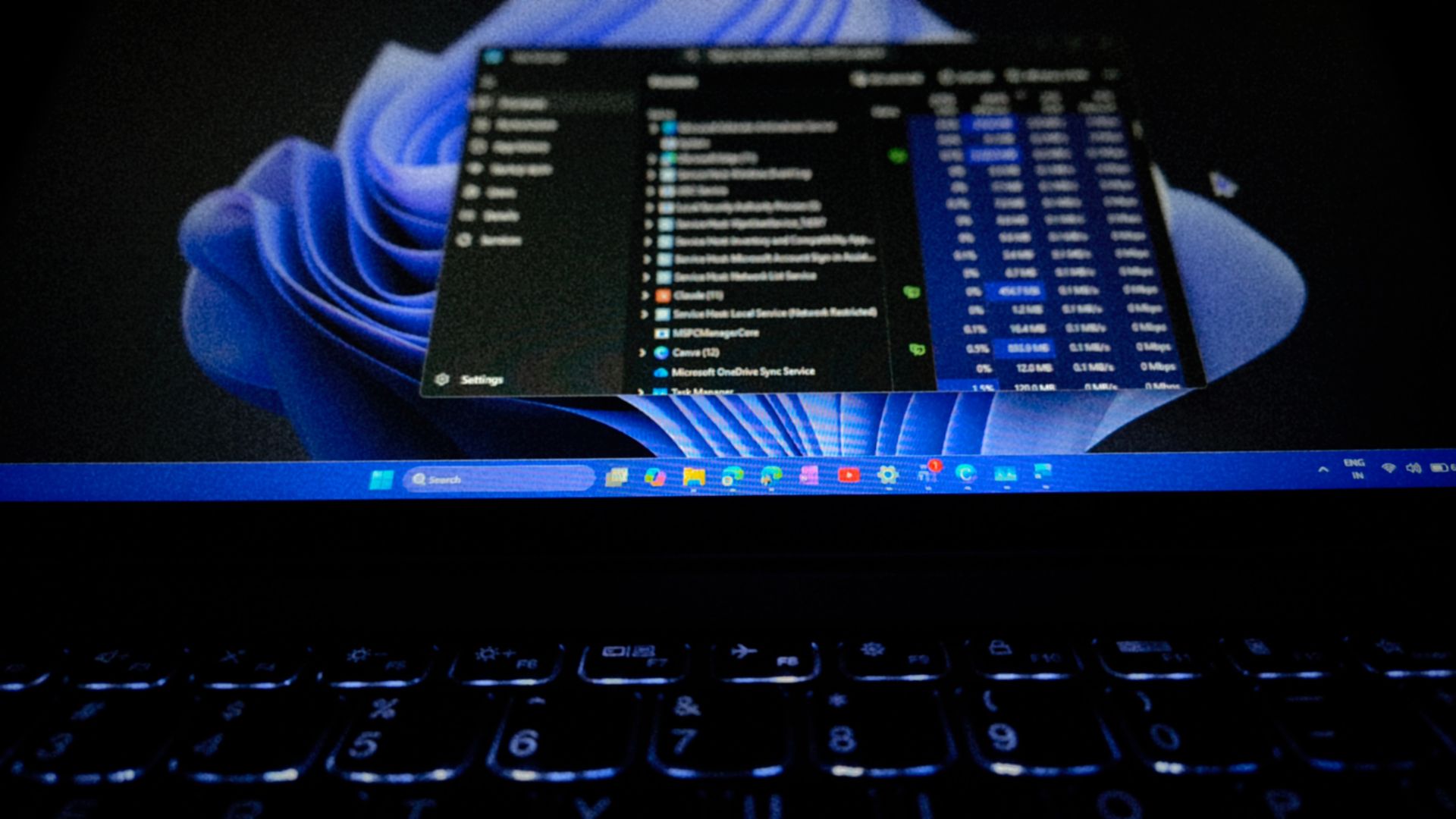
Increasing the priority of Task Manager will not fix these freezes. While Windows uses priority levels from 0 to 31 to decide which thread gets CPU time, priority does not allow a thread to skip a lock or a file held by another process. Chen explains that a high-priority thread can still get stuck if it is waiting for a resource held by a slower thread. For example, no amount of CPU priority can make a thread wait any less for slow network file access.
Microsoft uses a feature called AutoBoost so that a thread holding a resource matches the priority of the thread waiting for it. However, Chen notes that Task Manager remains difficult to fix because it runs on the same system it is trying to rescue. Additionally, Taskbar freezes can sometimes stem from explorer.exe reliability issues.
Via Microsoft ↗ · Also from Windows Latest ↗ · Other coverage: Wccftech ↗
Spot a mistake? Tell usEarlier coverage
Quick read
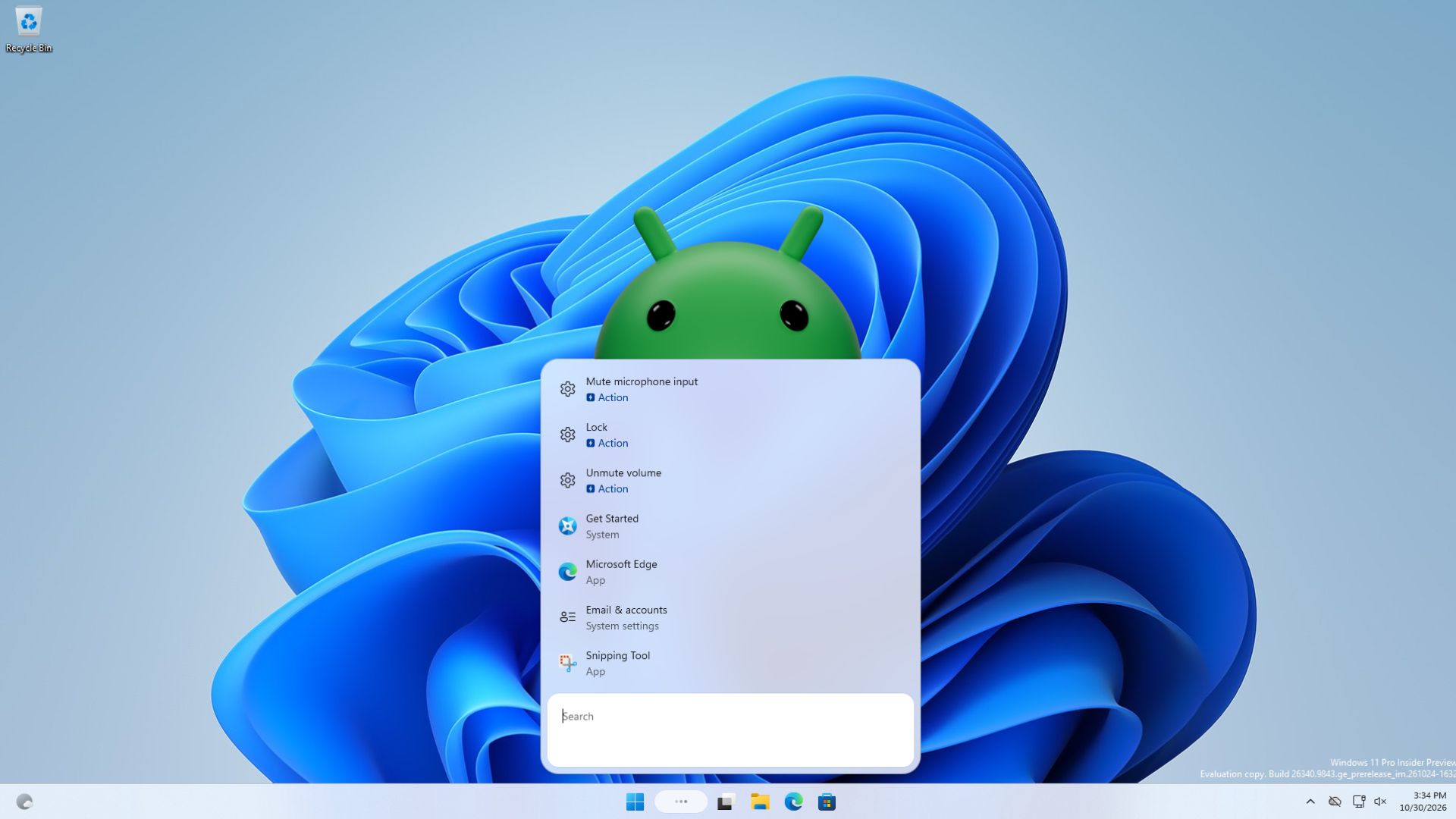
Microsoft's new Windows 11 Search can display and launch Android apps from a connected phone, according to reports.
Quick read
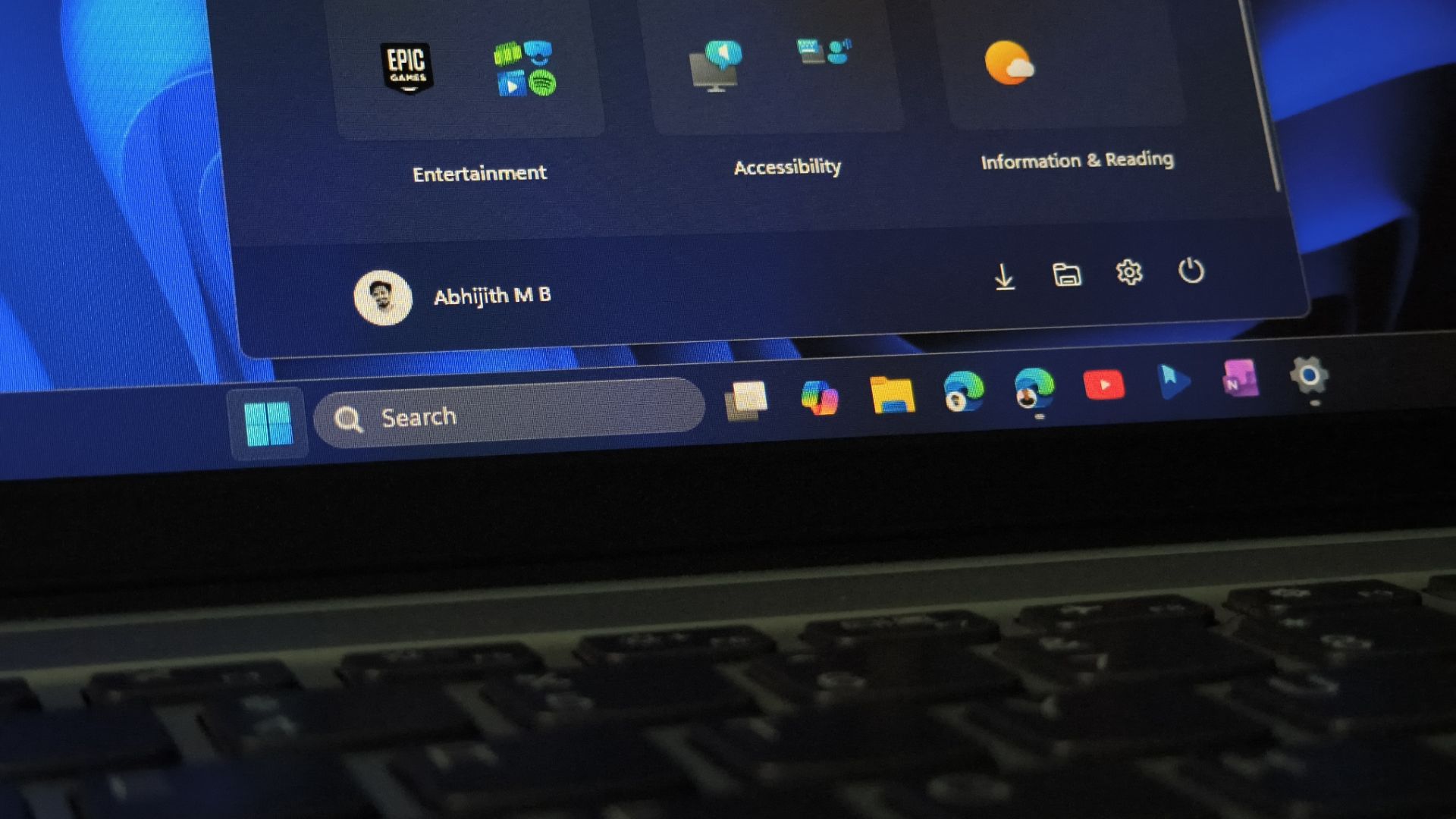
Windows 11 26H2 is a 173KB enablement package for PCs on version 24H2 or 25H2, but users on 23H2 require a full 6.5GB update.
Quick read
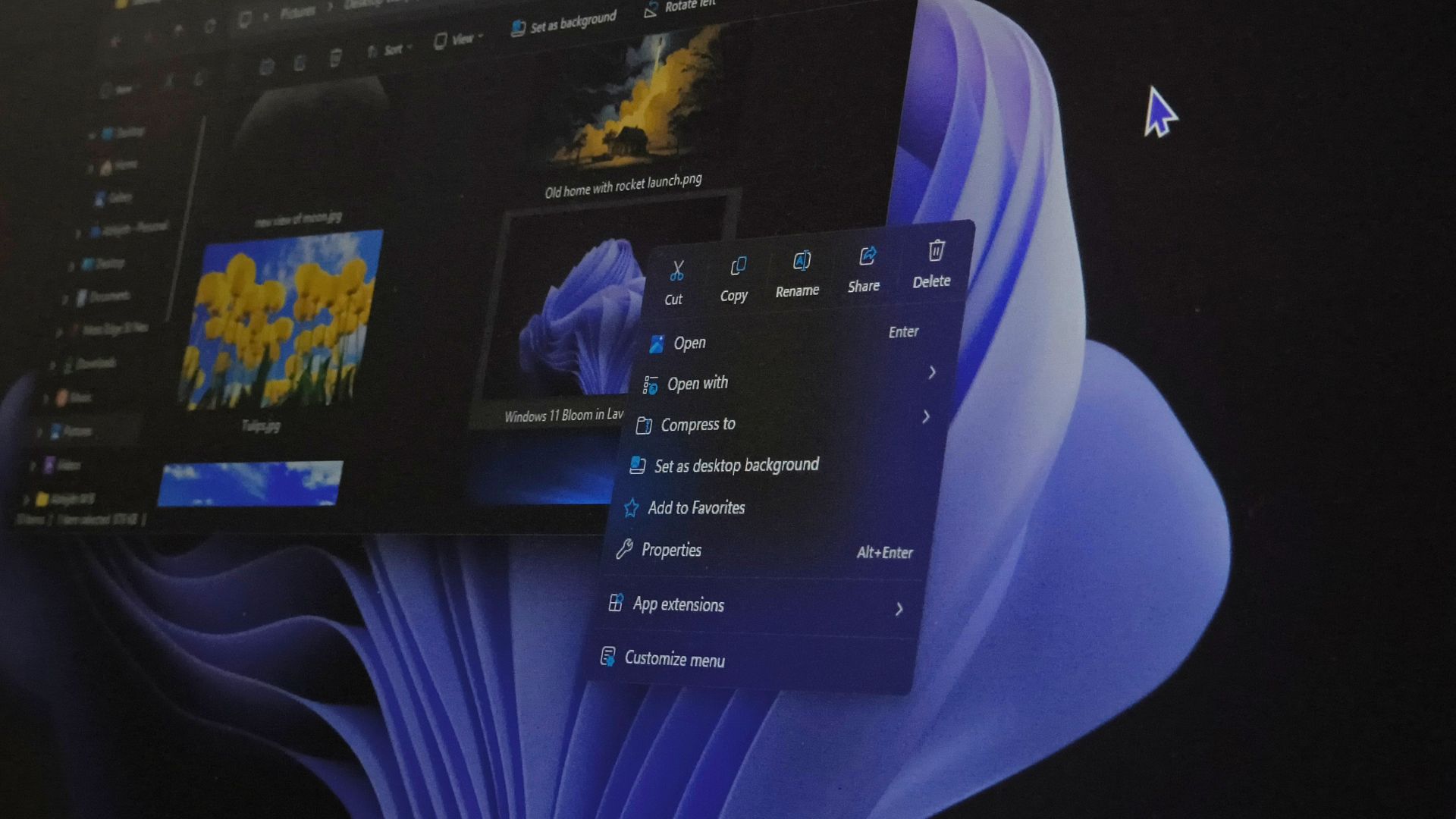
Microsoft is rolling out a redesigned Windows 11 right-click menu in the KB5127936 optional preview update, allowing users to customize which app extensions appear.
Quick read
Microsoft is testing an "Advanced Performance Extensions" toggle in Windows 11 preview builds that requires specific new hardware to work.