Windows 11 registry tweaks can reduce startup app delay
★ Add us as a preferred source on GoogleTL;DR
A Reddit user says setting StartupDelayInMSec and WaitForIdleState to 0 in the registry can reduce Windows 11 startup app load times from 2.5 minutes to 30 seconds.
Windows 11 may purposely delay startup apps to prevent the system from becoming too busy for user interaction during boot, according to Microsoft documentation. Microsoft says the operating system may choose to delay programs in the Run key and the Startup group to avoid interference between apps or with user tasks. Raymond Chen previously explained that Windows can wait for an idle state to ensure the system remains responsive.
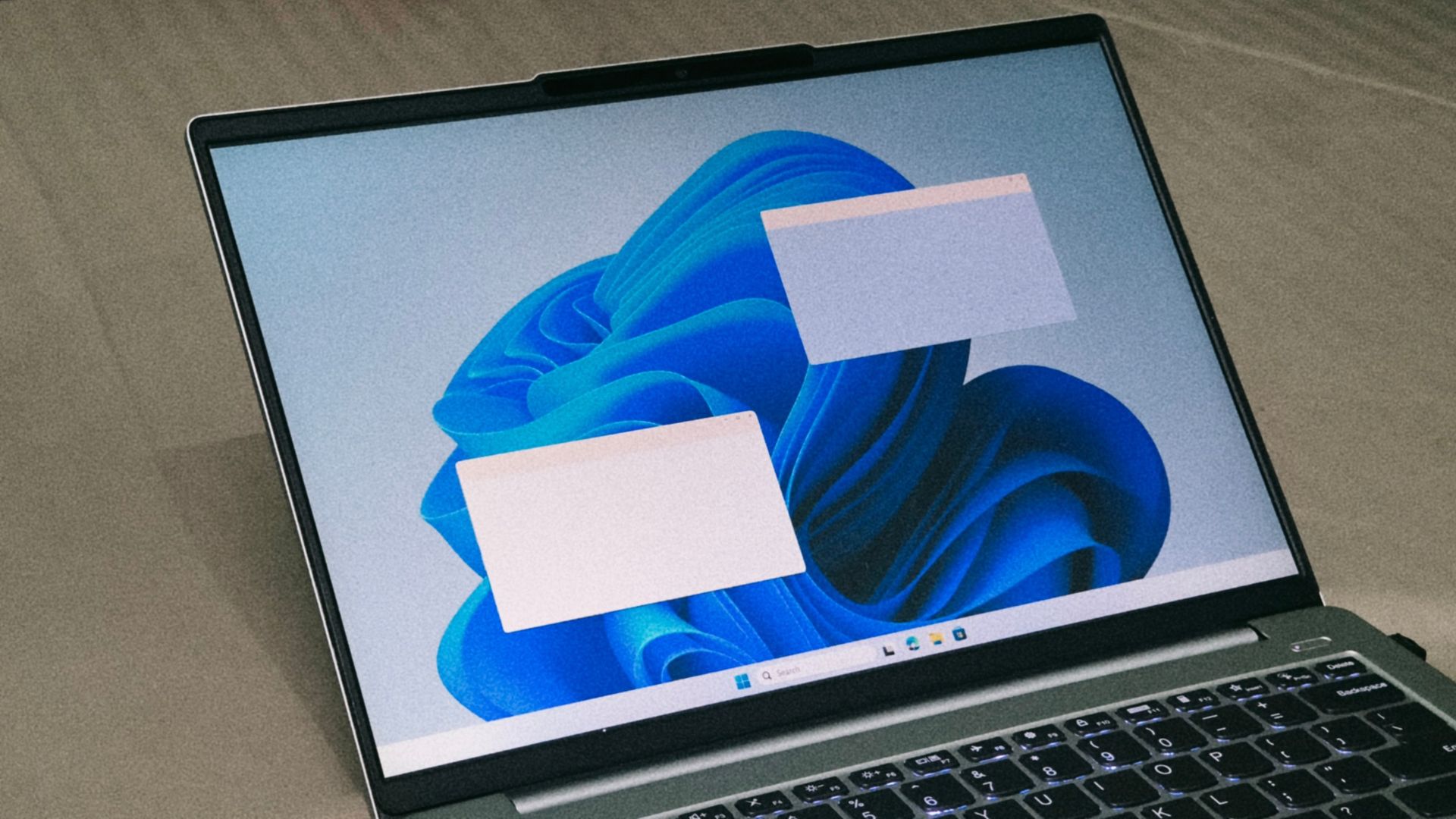
A Reddit user, u/PersianMG, reported that using two registry values in a "Serialize" key under HKEY_CURRENT_USER reduced their startup app load time from 2 minutes 30 seconds to 30 seconds. In this case, apps began launching at 20 seconds instead of 1 minute 50 seconds. Another user with a Core Ultra 270K Plus and RTX 5080 reported reducing their wait from 90 seconds to 47 seconds by setting WaitForIdleState to 0.
The specific values are StartupDelayInMSec and WaitForIdleState. A Wintoys developer says WaitForIdleState is only required on Windows 11 24H2 or later. Microsoft does not mention these specific registry values in its documentation. Results vary depending on PC hardware and configuration.
More on Windows