TL;DR
Microsoft captures kernel dumps when users hold the power button to force a shutdown, provided certain diagnostic settings are enabled.
When a Windows 11 PC freezes and a user holds the power button to force a shutdown, the operating system attempts to save a kernel dump. Raymond Chen says the Windows kernel recognizes the attempt to force a power-off four seconds before the hardware cuts power. While a full hardware shutdown may take 12 seconds, firmware documentation says it usually happens at about 10 seconds, and some ARM64 laptops may shut down even faster. If the shutdown happens too quickly, the resulting dump may be incomplete.
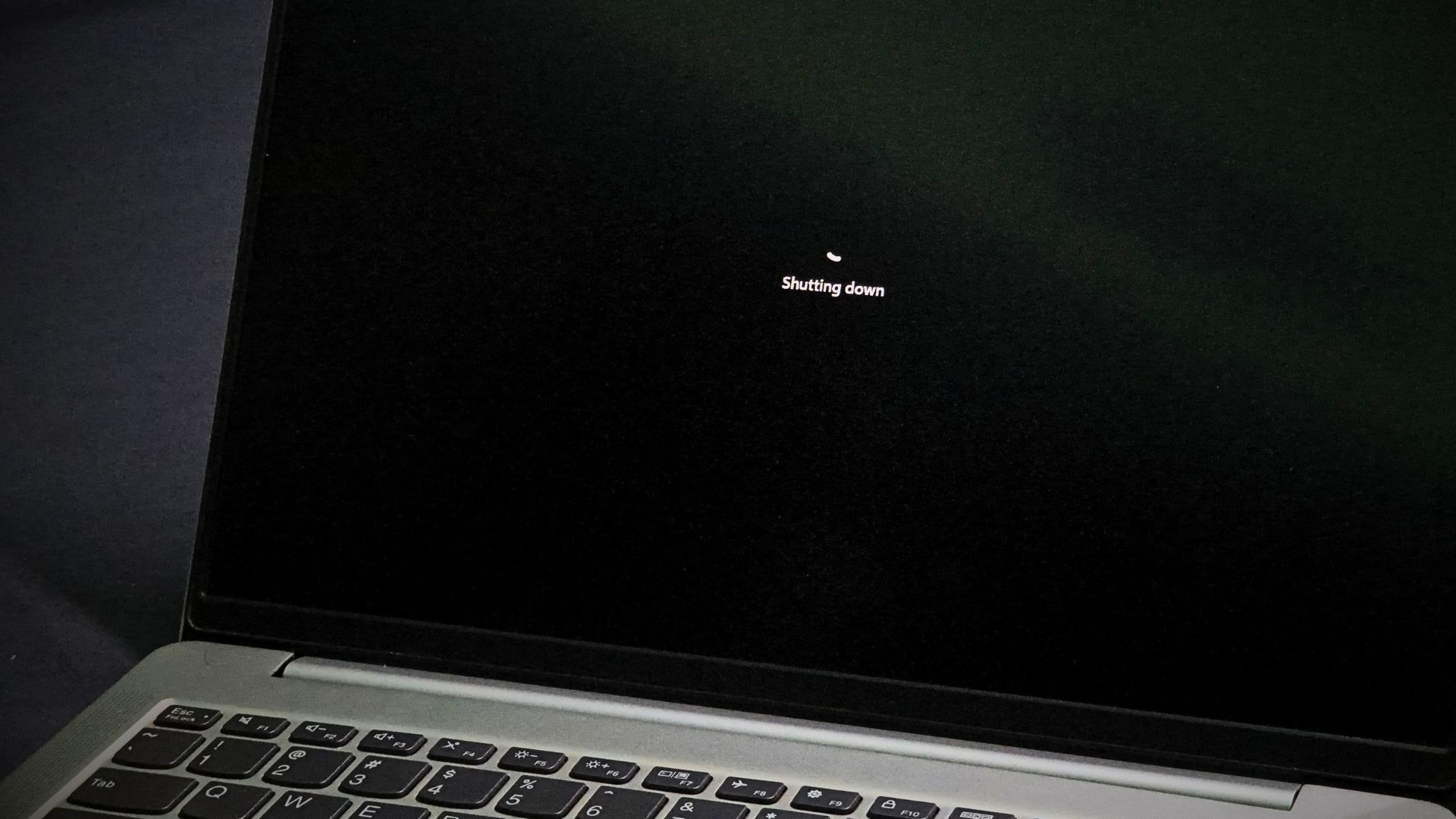
Microsoft says the collection of these crash dumps depends on diagnostic data settings. While "Required diagnostic data" tells the company when a crash occurs, the actual dumps are not collected unless a user has enabled "Optional diagnostic data." Microsoft also notes that the memory state captured in a dump may unintentionally include parts of files being used during the crash.
Users can check for forced shutdowns via Kernel-Power Event ID 41 in the Windows Event Viewer, though Microsoft says this event only confirms an unclean shutdown and does not prove a dump was successfully saved. To prevent the collection of these dumps, users can disable "Send optional diagnostic data" in the Windows 11 Privacy & security settings.
Earlier coverage

Quick read
Microsoft engineer Raymond Chen says Task Manager and the taskbar may stop responding when a PC is CPU-starved because high priority cannot bypass resource locks.
Quick read
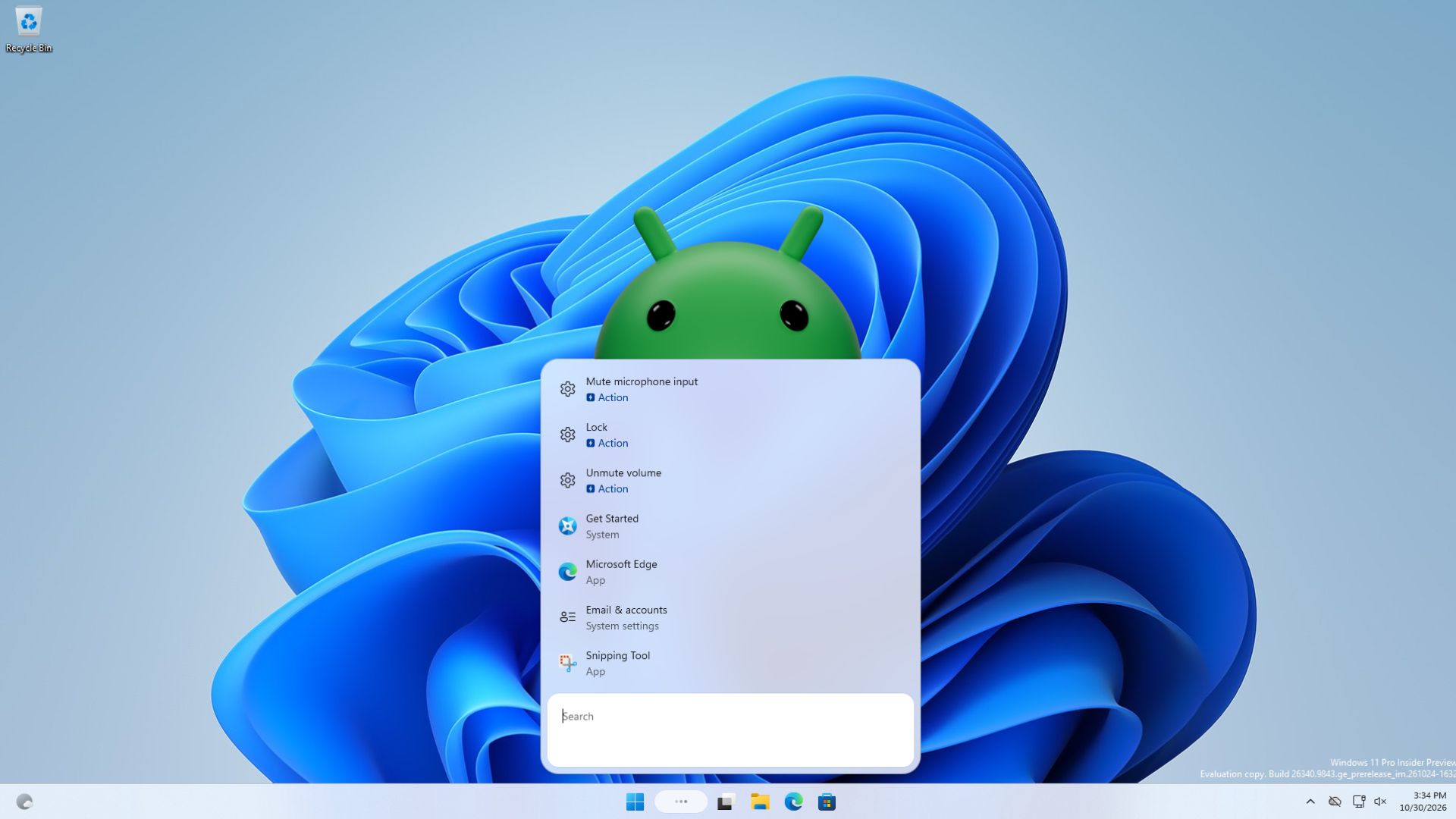
Microsoft's new Windows 11 Search can display and launch Android apps from a connected phone, according to reports.

Quick read
Windows 11 26H2 is a 173KB enablement package for PCs on version 24H2 or 25H2, but users on 23H2 require a full 6.5GB update.
Quick read
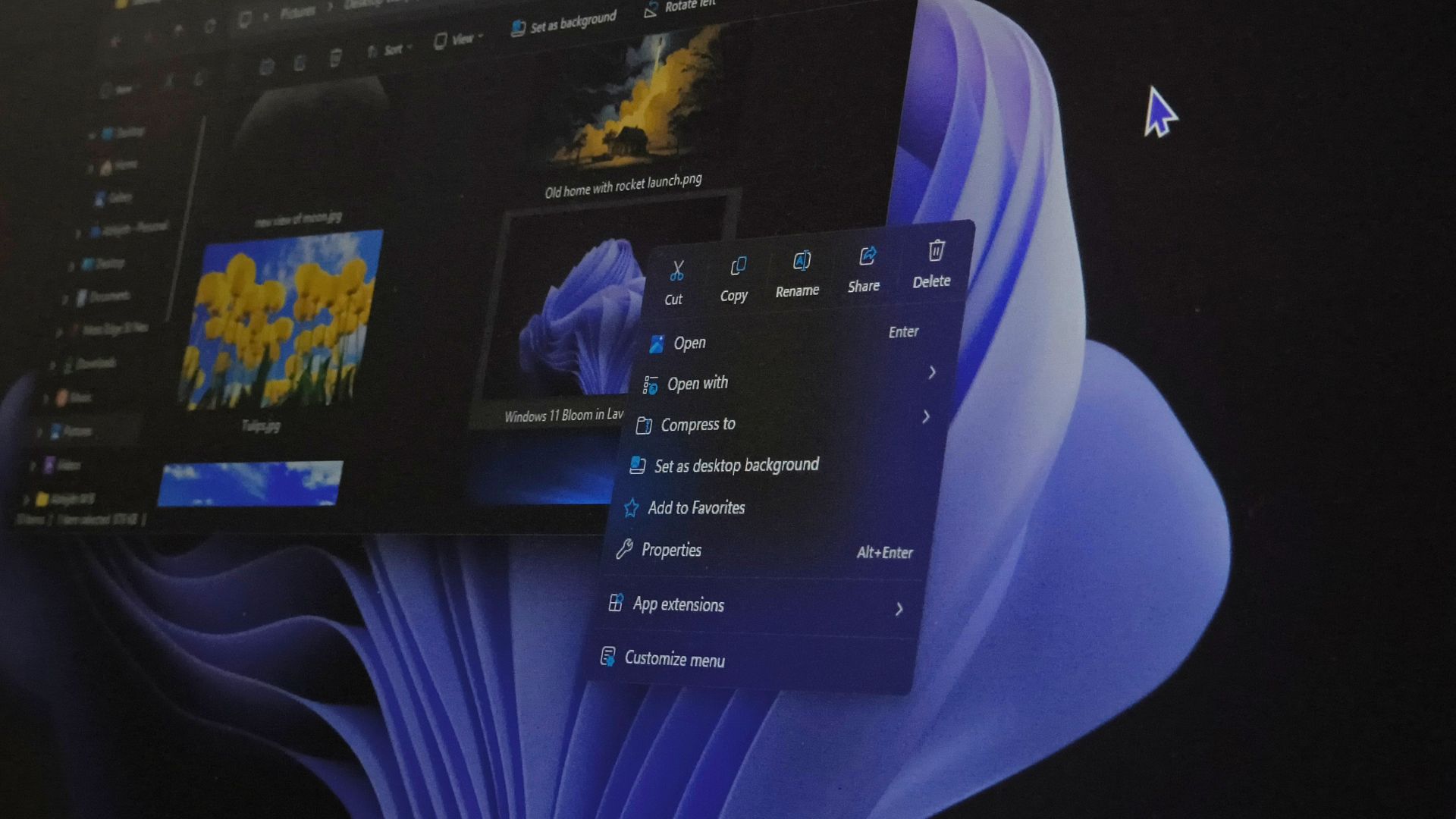
Microsoft is rolling out a redesigned Windows 11 right-click menu in the KB5127936 optional preview update, allowing users to customize which app extensions appear.